
Enable Proxmox backup report emails
Configure email notifications for backup jobs in Proxmox VE so that each run sends a report.
Proxmox VE already emails a report for every backup job. BackupMonitor turns those emails into one dashboard across all nodes and clusters.
Every Proxmox node and every backup job reports separately. With several clusters and customers, the daily report emails pile up fast: a failed VM backup hides between dozens of successful ones, and a node that silently stops sending reports goes unnoticed.
BackupMonitor collects all Proxmox report emails in one mailbox, detects node, job and status automatically, and treats missing expected reports as errors.
Configure email notifications for backup jobs in Proxmox VE so that each run sends a report.
Add your personal BackupMonitor address as a recipient, or forward the reports with a mail rule. Nothing is installed on the nodes.
BackupMonitor detects node, job and status from each report. If an expected report does not arrive, it is flagged as an error.
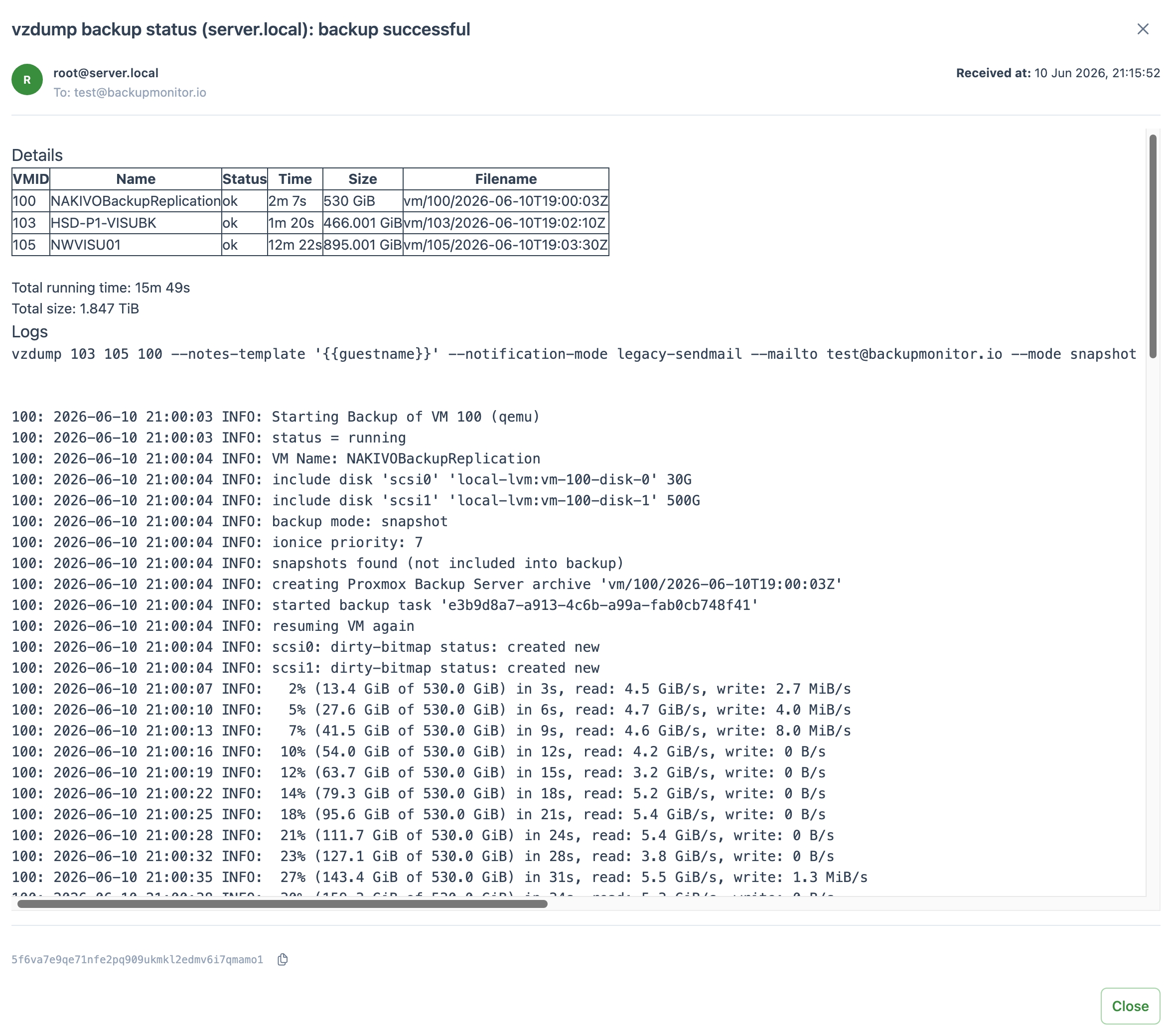
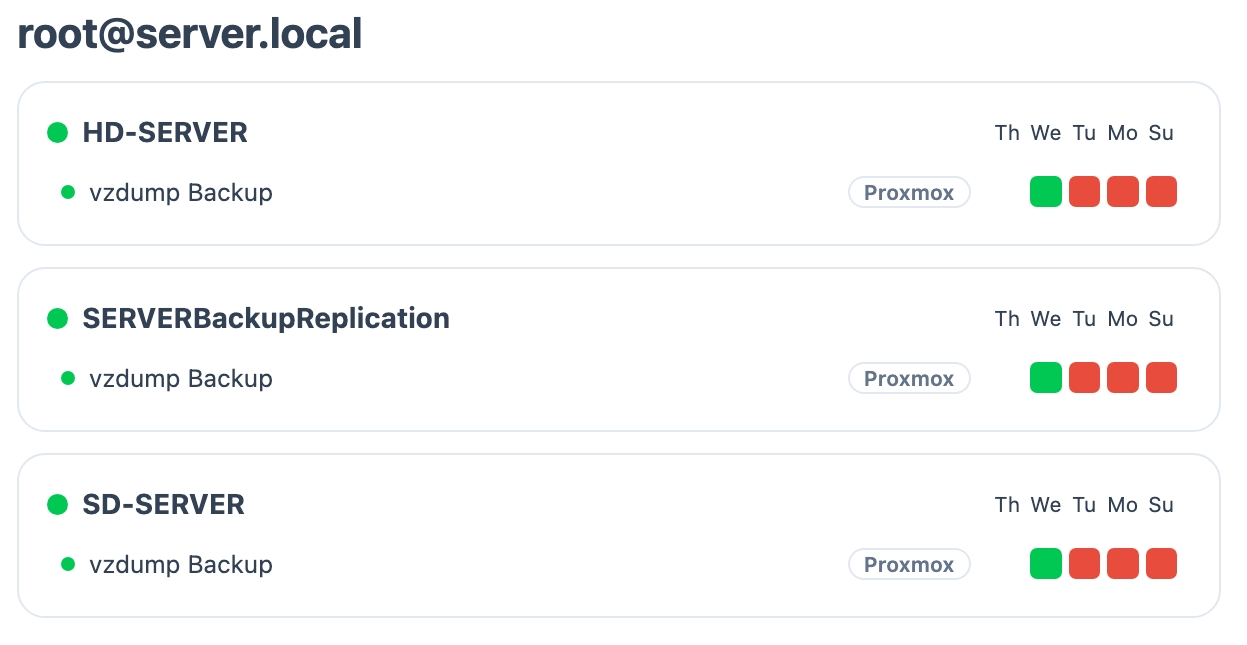
BackupMonitor ships with parsers for these Proxmox report formats:
Backup job report emails from Proxmox VE. If your Proxmox emails look different - for example from Proxmox Backup Server - contact us, we add parsers regularly.
No. BackupMonitor only reads the report emails Proxmox already sends. Alternatively, your own scripts can push status via curl to the REST ingest API.
Missing expected reports are treated as errors. A node that silently stops reporting shows up as a problem on the dashboard instead of going unnoticed.
Yes. All reports arrive in one mailbox, and nodes can be organized into groups per customer or site. BackupMonitor is built for MSPs managing many environments.
No credit card, nothing to install - the demo ends automatically.